Client Intake Form Checklist for Service Businesses
Use this client intake form checklist to collect decision-useful information, reduce avoidable errors, route the next step, and prepare a reliable handoff.
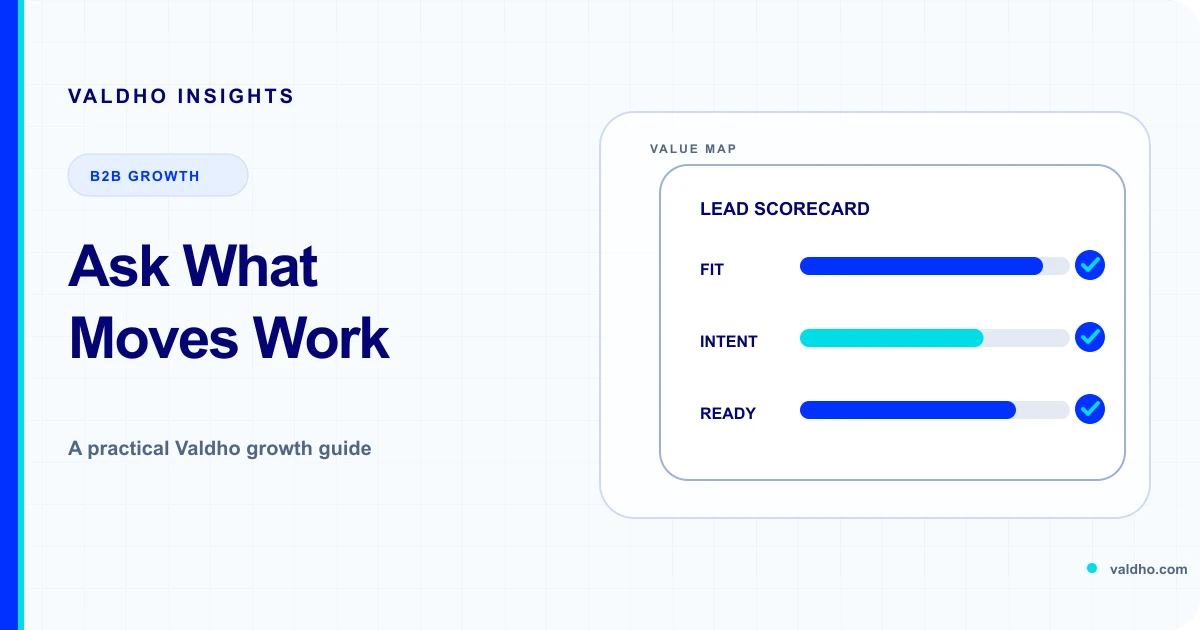
A client intake form checklist helps a service business collect the information that changes what happens next. It is not a request for everything the client knows. A useful form identifies the right contact, clarifies the problem and desired outcome, exposes constraints, and routes the record to a clear owner without asking the client to repeat the entire sales conversation.
Consultants, agencies, coaches, and B2B service providers often use one long form for qualification, scoping, onboarding, access, and delivery. That creates a form with no single job. The client sees questions that feel premature, the team receives answers nobody owns, and sensitive information can arrive before there is a defined need for it. The better approach is to design intake around a specific decision.
Start with the decision the form must support
Write the form's decision in one sentence before writing any questions. Examples include route this enquiry to sales or support, prepare a discovery call, confirm that a signed client is ready for kickoff, or collect the inputs required for the first delivery task. If the team cannot name the decision, it cannot judge whether a field is necessary.
Separate intake stages instead of building one giant form
Different stages justify different questions. An enquiry form may need contact details, service interest, and enough context to route the request. A pre-call form may add the problem, desired outcome, current approach, decision participants, and timing. A signed-client form may collect delivery contacts, approved scope details, dependencies, and the minimum inputs required to begin. Access requests and sensitive files belong in an approved channel only when the delivery task requires them.
- Enquiry intake: identify the person, organisation, request type, and safe next route.
- Discovery preparation: understand the problem, desired outcome, constraints, and decision context.
- Post-sale intake: confirm owners, scope-specific inputs, dependencies, and kickoff readiness.
- Delivery intake: request only the assets, access, or records required for the current task.
Use five question groups
A practical intake form usually needs five groups: identity and routing, problem and outcome, scope and readiness, people and decisions, and constraints or risks. The number of questions in each group should depend on the decision being made, not on a desire to make the database feel complete.
1. Identity and routing
Collect the minimum details needed to identify the record, respond through the expected channel, and assign the right owner. A name, business email, organisation, role, and request type may be enough. Ask for a phone number only when a defined step uses it. If several teams receive forms, use a short request-type choice that maps to an owner rather than a vague free-text subject line.
2. Problem and desired outcome
Ask the client to describe the current situation, the outcome they want, and why the issue matters now. Keep these as separate prompts. The current situation provides context, the desired outcome gives the team a direction, and the reason it matters now helps prepare the next conversation without treating urgency as proof of fit.
- What is happening now that you want to change?
- What outcome would make this engagement useful?
- Why is this a priority at this point?
- What have you already tried, and what happened?
3. Scope and readiness
Ask only the scope questions that change preparation or routing. Useful examples include the service needed, relevant channels or systems, what is already in place, dependencies, and the target decision window. Avoid presenting a guessed timeline or budget range as a promise. Treat the answer as planning context that still needs confirmation.
4. People and decisions
A record can be complete on paper and still stall because the wrong people are involved. Ask who owns the problem, who will work with the provider, who approves scope or spend, and who needs to review the outcome. For a simple engagement, one contact may hold several roles. The form should allow that instead of forcing duplicate names.
5. Constraints, risks, and support needs
Give the client a safe way to identify fixed dates, procurement steps, accessibility needs, security review, unavailable stakeholders, existing commitments, and other constraints that affect the next step. Do not ask for confidential details in a general text box. Explain what kind of information belongs there and provide another route when a concern needs a private conversation.
Collect only what the stage needs
The UK Information Commissioner's Office says personal data should be adequate, relevant, and limited to what is necessary for the stated purpose. Its current data minimisation guidance also recommends reviewing what is held and deleting personal data that is no longer needed. Use the guidance when UK data protection rules apply, define the purpose of every field, and obtain appropriate advice for the jurisdictions and information involved.
Mark fields as required only when the next decision cannot be made without them. Optional fields should be genuinely optional. If an answer will become necessary later, explain when and why it will be requested instead of collecting it early just in case.
Write labels and instructions people can use
The W3C Web Accessibility Initiative's form instructions tutorial recommends explaining required and optional inputs, accepted formats, and other relevant instructions. It also explains that placeholder text is not a replacement for a label because it disappears as the person types. Use visible, persistent labels and place instructions where they can be associated with the relevant control.
- Use a label that describes the answer, not an internal database name.
- State why an unusual question is being asked.
- Show the expected format before the person submits the form.
- Identify required fields with text, not colour alone.
- Keep examples separate from the value the client must enter.
- Test the complete form with a keyboard and common assistive technology.
Make errors specific and recoverable
W3C's current explanation of error identification says that when an input error is automatically detected, the item in error should be identified and the error described in text. A client should be able to find the field, understand what needs to change, correct it, and submit again without losing valid answers from the rest of the form.
Validate meaning as well as format
The OWASP Input Validation Cheat Sheet distinguishes syntax checks from semantic checks and recommends server-side validation even when the browser also validates fields. Define accepted types, formats, lengths, ranges, and relationships for each field. A valid date format, for example, does not prove that the date makes sense for the requested service.
Validation should protect the workflow without rejecting legitimate names, punctuation, languages, or business descriptions. Prefer field-specific acceptance rules and useful length limits. Keep security controls separate from business qualification: an answer can be well-formed and still require human review.
Route answers into owned next steps
A completed form is not an outcome. Map each request type and significant answer to an owner, state, response, and review time. A suitable sales enquiry may create a preparation task. A support request may route away from sales. A signed client with missing inputs may enter a waiting state. A security or accessibility concern may require a named human before any automated sequence continues.
- Owner: the person accountable for reviewing the submission.
- State: new, needs clarification, ready for next step, waiting, declined, or routed elsewhere.
- Next action: the specific task, message, or decision that follows.
- Evidence: the answer or condition that justifies the route.
- Stop rule: the reply, exception, or risk that pauses automation.
- Review point: when an unresolved record becomes visible again.
Example client intake form
For a service enquiry that leads to a discovery call, start with a compact form: name, business email, organisation, role, service or request type, current situation, desired outcome, reason the issue matters now, what has already been tried, decision participants, target decision window, known constraints, and anything needed to make the conversation accessible. Treat this as a starting pattern, then remove or branch questions based on your actual routing decisions.
Use conditional questions carefully
Conditional questions can keep the first view short, but hidden logic can also make a form difficult to understand or test. Use branches only when an answer clearly changes the relevant follow-up questions. Document every path, include a safe fallback for an unexpected answer, and test the form as each client type rather than only testing the default path.
Confirm receipt and set expectations
After submission, show what was received, what will happen next, who will respond, and how the client can correct important information. Do not promise a response time the team cannot consistently support. If the submission does not create a booking automatically, say so. If the client must complete another step, make that step explicit and keep it separate from optional promotional actions.
Measure form quality without inventing a benchmark
Use your own baseline to evaluate whether the form supports the intended decision. Review abandonment by step, validation errors by field, submissions that need clarification, records routed to the wrong owner, duplicate records, time waiting for review, and next steps completed. Segment by form version and request type before deciding that one field or page caused the result.
Implement the checklist in seven steps
- Name the single decision and next action the form must support.
- List every current field and identify the owner and action it changes.
- Remove unnecessary fields and move later-stage questions to the right stage.
- Rewrite labels, instructions, required states, examples, and error messages.
- Define server-side format and meaning checks for every accepted field.
- Map routes, owners, states, stop rules, confirmations, and review points.
- Test every branch and failure path, then improve it from recorded evidence.
Client intake form checklist
- The form has one documented decision and next action.
- Every field changes an owned action, route, preparation step, or risk check.
- Questions are collected at the stage where they become necessary.
- Required fields are limited to what the decision truly needs.
- Labels, instructions, formats, and required states remain visible and clear.
- Errors identify the field, explain the problem, and preserve valid answers.
- Format and meaning are validated on the server as well as in the browser.
- Sensitive information and access requests use an approved channel.
- Every route has an owner, state, next action, stop rule, and review point.
- The confirmation explains what was received and what happens next.
Once the fields, routes, and owners are defined, review Valdho's sales CRM and pipeline to plan how intake context and ownership should remain visible. Explore workflow automation for the reviewed routing and follow-up steps you want to build. Then compare the users, workflows, and limits you need on the Valdho pricing page before choosing a plan.
Put the playbook into practice
Build the journey and automate the next step with Valdho
Create pages, capture and qualify leads, automate follow-up, and measure conversion from one connected workspace.
Start 14-day trial