Client Offboarding Checklist for Service Businesses
Use this client offboarding checklist to confirm deliverables, transfer assets, review access, and close service engagements with clear ownership.
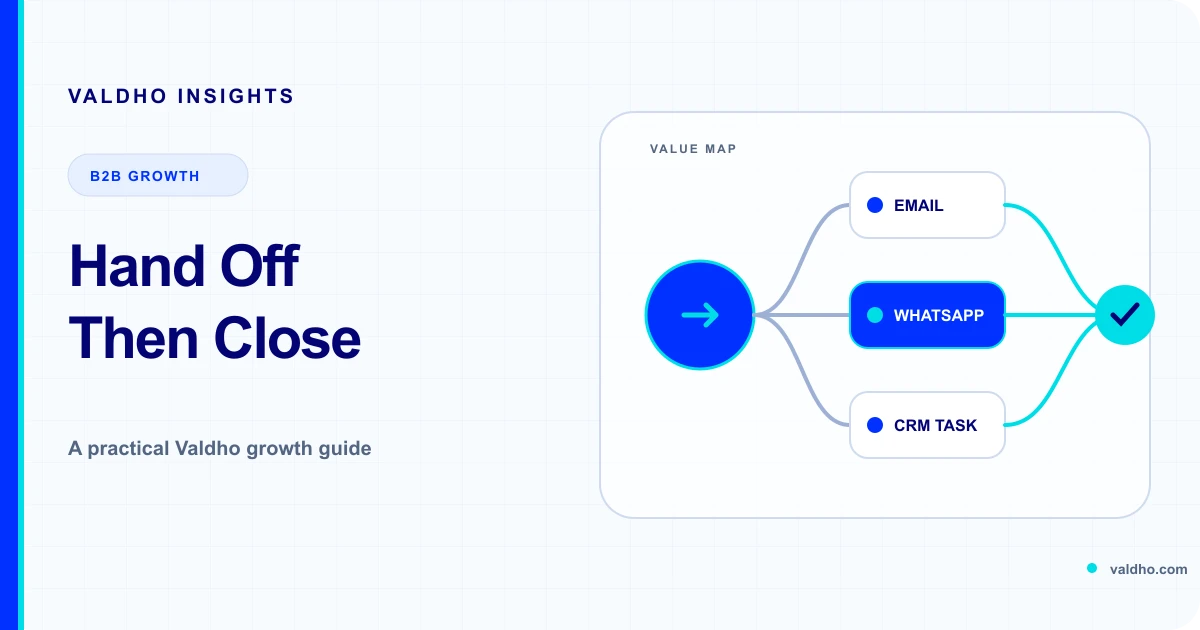
A client offboarding checklist helps you close an engagement so the client can find the work, use it, and know who to contact about anything still open. Start when the end date is agreed. Give one person on your team responsibility for the closeout and ask the client to name the person who will receive the work. The checklist is complete when those two people can account for the deliverables, the access changes, and any remaining obligations.
1. Agree on what closing means
Write a short closeout summary with the end date, the remaining deliverables, the client approver, and the last day of any agreed support. Use your agreement to check which working files, exports, or third-party assets you can provide. For an early cancellation, list completed work and unfinished work separately. If the parties disagree on a deliverable or invoice, keep that item open with a named owner and review date.
- Completed project: record what was accepted and where the client can find the final version.
- Early cancellation: identify work the client can use now and label anything incomplete.
- Retainer ending: name the next owner for recurring work and record the last scheduled action your team will handle.
2. Give the client one handoff index
Create one page that links to the deliverables and gives the client enough context to use them. For each item, record the final version, where it lives, the person responsible for it after handoff, and how the recipient will confirm it works. Put recurring jobs, renewal dates, and support contacts next to the asset they affect. Ask the client to open a representative file or run a harmless check from their own account while help is still available.
Check ownership separately from access. For work or school accounts, Google Drive's ownership transfer guidance says file ownership transfers are limited to people in the same organization. It also explains that transferring ownership of a folder does not transfer ownership of the files inside. For a cross-company handoff, agree on a supported export or copy to a client-controlled location and have the recipient verify the result before you change access to the originals.
3. Review access after the handoff
List the accounts and tools used on the engagement, including contractor access, shared folders, dashboards, and integrations. Mark each entry as keep, transfer, or remove. Record the approver and who can make the change. If a scheduled job depends on the outgoing team's account, ask the new owner to take it over and verify it before retiring the old access. Review permissions on both sides of the relationship: your team may have access to the client's workspace, and the client may have access to yours.
Use NIST's AC-2 account management control as a reference for naming account managers and handling access that is no longer required. For Drive, Google's sharing guidance explains why folder permissions and general link access deserve their own review. Record the result of each access change in the closeout record without copying passwords or credentials into it.
4. Close billing, support, and records
Reconcile the final invoice, open support questions, and any ongoing subscriptions that the handoff affects. Give the client one place to raise handoff issues and say when that channel will be reviewed. Agree what records need to be kept and who can access them. If an item has a retention condition or an unresolved dispute, record it separately and route it to the appropriate owner before scheduling any deletion.
Example: an agency hands over a reporting retainer
A small agency is ending a monthly reporting retainer. Its closeout lead gives the client's marketing manager the final report, a metric glossary, and a list of connected accounts. The manager opens the report from a client account and checks a recent data refresh. A scheduled email still belongs to the agency, so the manager recreates it under an approved client account and verifies the first send to a test recipient. The agency then asks the client administrator to remove the old access and records who confirmed it. The final invoice stays on the finance owner's list until settled.
Client offboarding checklist to copy
- Name a closeout lead, client recipient, and target handoff date.
- Write down what is accepted, incomplete, disputed, and out of scope.
- Share one index of assets, versions, destinations, and ongoing owners.
- Have the recipient open priority assets and verify any continuing workflow.
- Review account, folder, guest, and integration access and record each decision.
- Confirm final billing status, support contact, and record-retention decisions.
- Send a short closeout note with the handoff index and every open item's owner and next review date.
Make the checklist repeatable
Pilot the checklist on one engagement. Review which items required more than one follow-up and add those checks to the template. Use reminders for pending confirmation and overdue exceptions. Assign a person to review access removal, deletion, and billing adjustments before anyone carries them out. At your next kickoff, record the client-side asset owner early so the eventual handoff has a destination.
Capture ownership during your client onboarding process, then review Valdho's workflow automation for the reminders you want to plan. When your checklist is ready to pilot, compare Valdho plans for your team.
Put the playbook into practice
Build the journey and automate the next step with Valdho
Create pages, capture and qualify leads, automate follow-up, and measure conversion from one connected workspace.
Start 14-day trial