Course Onboarding Automation: Purchase to First Lesson
Build course onboarding automation that turns a completed purchase into reliable access, orientation, first-lesson progress, and human support.
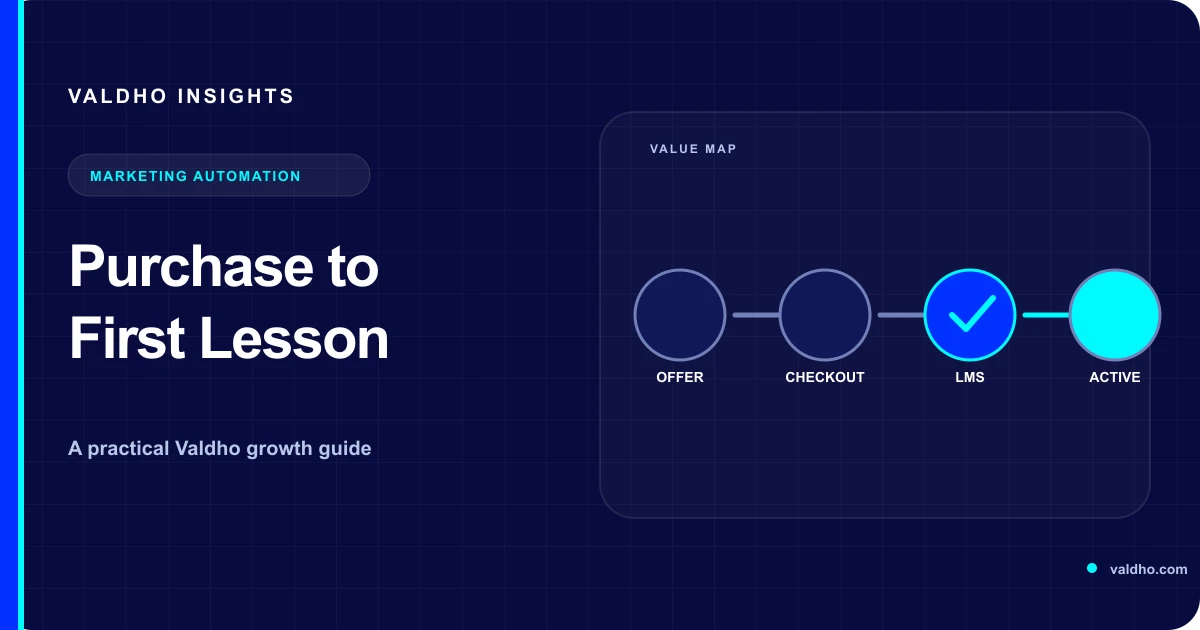
Course onboarding automation should help a buyer become an active learner without making them decode several systems. The practical journey is simple to describe: confirm the purchase, create or match the right learner, grant the correct access once, explain the first useful action, observe whether it happened, and route exceptions to a person. The implementation is harder because payment, identity, email, course access, and support can each report a different state. A dependable workflow makes those states explicit.
Define the activation contract first
Before choosing messages or delays, write an activation contract for the course. This is a short operating definition of what must be true after purchase, which system proves each condition, and who owns the exceptions. It prevents a team from calling onboarding complete merely because a receipt or welcome email was sent.
- Purchase accepted: the payment system reports the transaction state that your business uses to start fulfillment.
- Learner identified: the account belongs to the intended learner, even when a company or another person paid.
- Access granted: the learner can open the correct course, cohort, or bundle under the right terms.
- Orientation delivered: the learner knows how to sign in, where to start, how the course works, and where to get help.
- First value reached: the learner completes one observable action that demonstrates useful progress.
- Exception owned: failures are visible in a queue with an owner, reason, and next action.
1. Start access from confirmed server-side evidence
If checkout and course access are separate, do not rely only on the buyer returning to a success page. Stripe's official Checkout guidance for existing customers says to handle post-payment events server-side and notes that fulfillment based only on the landing-page redirect is unreliable. Use the equivalent confirmed event from your chosen payment provider, then map it to an internal purchase record before granting access.
Treat access as a state transition rather than a collection of loosely related actions. A useful internal record can contain the purchase ID, buyer ID, learner ID, offer version, access package, payment state, enrollment state, and last error. That record gives support a single place to answer: what happened, what should have happened, and what remains blocked?
- Validate the incoming event and find the matching checkout or order.
- Check whether this purchase has already produced the intended enrollment.
- Create or match the learner according to a documented identity rule.
- Grant the exact course or bundle attached to the purchased offer version.
- Record the result before starting orientation messages.
- Send failures to review instead of silently continuing as if access succeeded.
Retries are normal in connected systems, so repeated requests should not create repeated enrollments or welcome journeys. Stripe's idempotency documentation describes using an idempotency key to retry supported requests without performing the same operation twice. Apply the same operating principle to your own enrollment step: use a stable purchase identifier, check the recorded outcome, and make a replay safe.
2. Separate the buyer from the learner
Many onboarding problems are identity problems. The person who pays may be the learner, an assistant, a parent, or a company purchaser. Decide this before automation creates an account. If the checkout collects only a billing email, do not assume it is always the correct learner login.
- Self-purchase: buyer and learner are the same person unless the checkout explicitly says otherwise.
- Gift or sponsored seat: collect the learner's name and email through a clear handoff after payment.
- Team purchase: create a purchaser or administrator record, then invite named learners into allocated seats.
- Existing learner: attach the new access to the matched account rather than creating a second profile.
- Ambiguous match: hold access for review and give the buyer a visible support route.
Write deterministic matching rules and surface uncertainty. For example, an exact verified email match may reuse an account, while conflicting names or multiple accounts may require review. Avoid merging records automatically when a mistaken merge could expose course history or personal information to the wrong person.
3. Make orientation answer four questions
The first orientation should remove uncertainty, not advertise the course again. Keep essential access information near the beginning and give one primary action. A learner should be able to answer four questions quickly: How do I get in? Where do I begin? What should I do first? How do I get help if this fails?
- Access: provide the sign-in route, account email, and a safe recovery path without exposing a password.
- Start: link directly to a start-here area or the first required lesson.
- Expectation: state the first task, approximate effort in plain terms, and any cohort or deadline context.
- Support: name the support channel and the information a learner should include when reporting an access problem.
Keep access and orientation messages focused on delivery of the purchase. The US Federal Trade Commission's current CAN-SPAM compliance guide distinguishes transactional or relationship content from commercial content and warns that combining the two can make the message commercial based on its primary purpose. Other markets have different rules, so confirm the requirements that apply to your recipients and avoid turning a necessary access email into an unrelated promotion.
4. Design the first lesson as an activation step
The first lesson should produce a small, meaningful result and show the learner how the course works. Remove optional navigation and long background sections from the critical path. If later modules require a profile, tool connection, worksheet, or baseline decision, make that the first guided action and explain why it matters.
- State one outcome for the lesson.
- Show the minimum steps required to reach it.
- Provide the required resource beside the instruction that uses it.
- Give a clear completion action or checkpoint.
- Explain the next lesson without forcing an unrelated upsell.
For video lessons, accessibility belongs in the launch checklist. W3C's guidance on captions and subtitles explains that captions provide synchronized text for speech and the non-speech audio needed to understand the content. W3C also notes that caption files can support interactive transcripts. Check the player, captions, transcript route, keyboard behavior, and linked downloads as a learner would before treating the first lesson as ready.
5. Branch reminders from learner evidence
A timer can prompt a check, but elapsed time alone should not decide every message. Branch from the latest reliable state so the workflow does not tell an active learner to log in for the first time or congratulate someone whose access failed. Use a small state model that the team can explain and test.
- Access not granted: stop progress reminders and route the fulfillment error to support.
- Access granted, no sign-in: resend the direct access route and recovery option once under the team's chosen cadence.
- Signed in, first lesson not opened: point to the exact start location and restate the first outcome.
- First lesson opened, not completed: offer the relevant resource or a short help prompt instead of repeating login instructions.
- Activation event completed: stop onboarding reminders and move to the normal course journey.
- Support request received: pause automated nudges until the issue is resolved or intentionally returned to the journey.
Map these states to the learner experience you intend to manage. Valdho's learning management features cover course creation, learner access, progress, and related learning operations. Confirm the exact events and workflow actions available for your setup before promising a particular branch or timing.
6. Build a visible exception queue
Automation is incomplete if failed enrollments disappear into logs. Give operations or support a queue that shows the learner, purchase, intended access, current state, failure reason, attempts, and next action. Every item should have an owner and a resolution that can safely resume or stop the journey.
- Payment confirmed but no matching offer or access package.
- Learner identity missing, invalid, or in conflict with an existing account.
- Enrollment request failed or returned an uncertain result.
- Welcome message failed while access succeeded.
- Refund, charge reversal, cancellation, or manual access change requires a documented policy decision.
- Learner reports that the recorded success does not match what they can actually open.
Test course onboarding with a decision table
Test with approved test records before enabling the workflow for real buyers. For each scenario, record the starting state, event, expected enrollment, expected message, expected stop rule, observed result, and owner. Include retries and out-of-order events, not only the ideal path.
- New self-purchase creates one learner, one correct enrollment, and one orientation journey.
- Repeated payment event does not create duplicate access or messages.
- Existing learner receives the new course under the existing account.
- Sponsored purchase waits for the intended learner identity before enrollment.
- Enrollment failure creates an owned exception and suppresses progress reminders.
- First activation event cancels remaining start reminders.
- Support reply pauses automation and preserves the purchase and learner context.
- Refund or cancellation follows the documented access policy without erasing the audit trail.
Course onboarding automation checklist
- An activation contract names each required state, source of truth, and owner.
- A confirmed server-side payment event starts fulfillment.
- A stable purchase identifier makes enrollment replays safe.
- Buyer and learner identities are handled separately when needed.
- Orientation answers access, starting point, first action, and support questions.
- The first lesson produces one observable activation event.
- Video, downloads, navigation, and recovery routes are accessibility checked.
- Reminders branch from current learner evidence and stop after activation or support contact.
- Failures enter an owned exception queue with a recovery decision.
- A decision table covers success, retry, duplicate, identity, and failure paths.
If acquisition is still the larger problem, first map the offer and checkout journey in Valdho's guide to a course sales funnel. Then keep this onboarding workflow focused on fulfillment and activation after purchase. When your state map, exception rules, and test table are ready, compare Valdho plans against the course, access, and automation path you need, and confirm the supported setup before launch.
Put the playbook into practice
Build the journey and automate the next step with Valdho
Create pages, capture and qualify leads, automate follow-up, and measure conversion from one connected workspace.
Start 14-day trial