Webinar Follow-Up Sequence for Every Attendance Path
Build a webinar follow-up sequence that separates attendees, no-shows, replay viewers, and sales-ready leads with clear messages, stop rules, and handoffs.
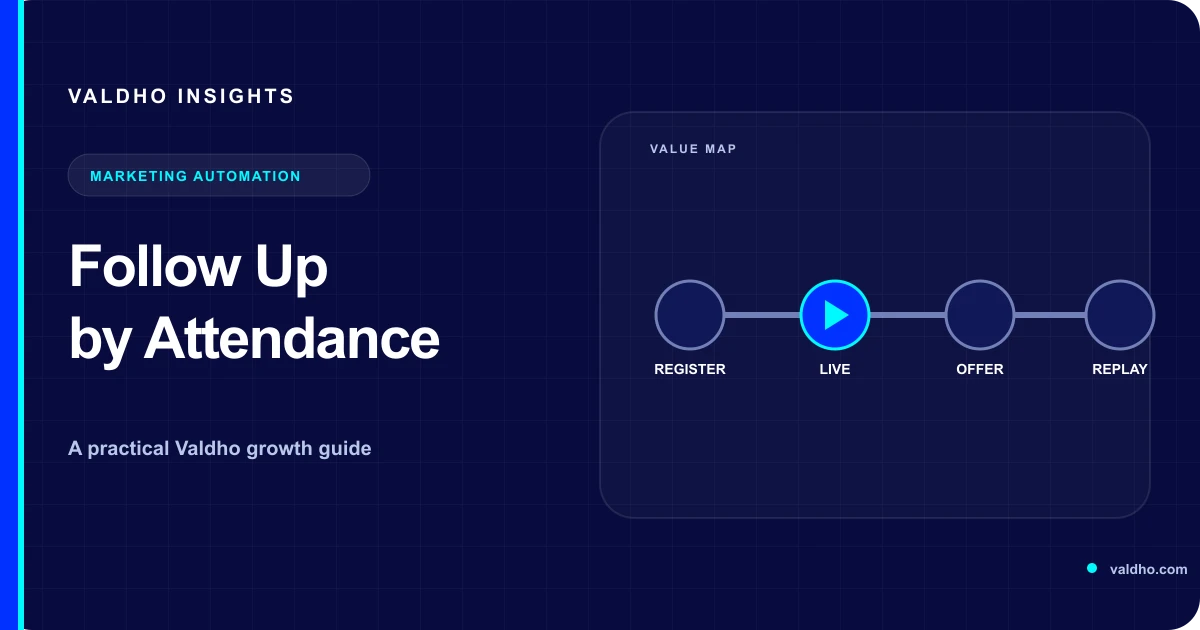
A useful webinar follow-up sequence starts with evidence about what each registrant experienced. Someone who attended the full session, someone who left early, someone who missed it, and someone who watched the recording later should not receive the same opening line or next step. The sequence should recognize the person's path, deliver the promised resources, and help them make the next relevant decision.
This guide is for coaches, educators, consultants, and B2B webinar teams that need a practical operating model after the live session. The timing examples are planning choices, not universal performance benchmarks. Adapt them to your offer, audience, sending permissions, event platform, and actual delivery evidence.
1. Define the states before writing messages
Start by mapping the post-event states in your webinar funnel. Give every state an entry rule, an owner, a first message, a next decision, and an exit rule. A label such as attendee is not enough if it does not distinguish a brief join from meaningful participation or record what the person did next.
- Attended: joined the live session under your documented attendance rule.
- Left early: joined but did not reach the part needed for the intended next step.
- No-show: registered but has no qualifying live attendance record.
- Replay available: may receive recording access, but has not yet produced viewing evidence.
- Replay viewer: produced the minimum viewing evidence your platform can reliably support.
- Sales-ready: completed a separate high-intent action such as a qualified application or confirmed meeting.
- Suppressed: opted out, withdrew permission, bounced, complained, or otherwise became ineligible for the planned promotional path.
2. Reconcile the event record before branching
Your event provider's records determine which branches are technically possible. Zoom's current webinar reporting documentation describes registration reports, attendee join and leave details, total time in session, and post-webinar performance, Q&A, poll, and survey reports. Treat this as an example of available evidence, then inspect the exact fields and limitations of the platform you use.
Create one registrant record for the event and attach attendance, replay, clicks, replies, meetings, and purchases to that identity where your approved systems allow it. Decide how duplicate registrations, forwarded links, shared addresses, late joins, reconnects, and multiple devices are handled. Keep raw event evidence separate from the business state derived from it so a rule can be reviewed later.
- Wait for the provider's final attendance data before applying the no-show branch.
- Combine reconnects under the documented identity rule instead of counting sessions as people.
- Store event time and time zone with the record used to calculate each delay.
- Keep unknown or conflicting records in a review queue rather than forcing a confident label.
- Record the rule version that created the branch so later changes remain explainable.
3. Give attendees continuity, not a generic replay email
The attendee path should continue the live experience. Open with the promised resource or a concise recap, identify the decision the session was designed to support, and restate the next step that was actually introduced. Do not pretend the person asked for a sales conversation because they stayed until the end. Use a separate action, reply, application, or booking as the evidence for that handoff.
- Message 1: deliver the resource, summary, and recording details that were promised.
- Message 2: answer one recurring implementation or decision question from the session.
- Message 3: present the primary next step with fit criteria and a clear description of what happens after the click.
- Message 4: close the event-specific path, preserve access details that remain valid, and move suitable contacts to the correct longer-term journey.
For early leavers, lead with the missed portion only when you can support that inference. Otherwise, use a neutral recap that lets them choose the relevant section. If they already booked, bought, applied, or replied, stop the promotional invitation and continue from the new state.
4. Help no-shows recover the outcome
A no-show message should acknowledge that the person missed the live session without blame or false familiarity. Restate the outcome, explain whether a recording or another session is available, and make access easy. If the event had no usable recording, say so plainly and offer the nearest honest alternative instead of sending a broken or unrelated link.
- First follow-up: explain what is available now and how long the access information remains accurate.
- Second follow-up: highlight one useful lesson or decision the recording addresses.
- Third follow-up: offer the same next step only if it still makes sense without live attendance.
- Final follow-up: close the replay-specific reminders and retain only the permissioned nurture path.
5. Treat replay viewers as a distinct audience
Replay registration and live attendance may be recorded separately. Zoom's current on-demand webinar guidance says its on-demand recording registration list is separate from the live attendee list and directs hosts to recording registrants for later viewers. Keep those populations distinct when the provider does, and do not report a replay registration as a completed view.
A replay viewer is responding on a different clock. Remove live-event housekeeping, expired dates, and instructions that assume a host is present. Put the recording, supporting resources, and current next action together. If viewing depth is unavailable or unreliable, branch on a smaller verified event such as recording access, a resource request, or a reply rather than inventing engagement.
Make the recording usable beyond the live room. The W3C's guidance for prerecorded captions explains that synchronized captions provide the audio information in prerecorded media for people who are deaf or hard of hearing. Review captions, speaker identification, meaningful audio cues, resource links, and any transcript before the replay path opens.
6. Route high-intent actions to a person
Attendance is context, not qualification. Define the separate actions that justify a human handoff, such as a reply with a specific question, a completed application that meets documented criteria, a confirmed meeting, or a completed purchase. Assign an owner, response target, context packet, and fallback when the owner is unavailable.
Use a reviewed funnel template as a starting structure only after the webinar states and handoffs are defined. The template should express the operating model, not decide which attendance evidence, qualification rule, or follow-up promise is true for your business.
- Pass the event name, attendance state, relevant clicks, replies, and stated need to the owner.
- Stop automated sales invitations once the person enters an active human conversation.
- Resume automation only through a documented rule after the conversation is closed or deferred.
- Do not expose private chat, poll, or qualification answers beyond the people and systems approved to use them.
7. Make suppression a first-class branch
Promotional email needs a working suppression path. The US Federal Trade Commission's current CAN-SPAM compliance guide says the law applies to commercial email, including business-to-business messages, requires a clear opt-out method, and requires opt-out requests to be honored within 10 business days. Requirements vary by jurisdiction and message purpose, so obtain qualified advice for the audiences and channels you use.
Operational delivery and promotion may have different purposes, but mixing them does not erase the promotional content. Keep suppression synchronized across the tools that can send, define what happens to already queued messages, and test complaint, unsubscribe, bounce, consent withdrawal, duplicate, purchase, booking, and active-conversation exits before launch.
8. Use a decision table to build the sequence
- If live attendance is confirmed, send the attendee recap and promised resources.
- If attendance is absent after reports are final, send the no-show recovery path.
- If replay access is recorded, stop unopened-replay reminders and continue from verified evidence.
- If a qualified reply, application, meeting, or purchase occurs, stop the generic offer path and assign the correct owner.
- If a message bounces, a complaint occurs, or permission changes, suppress the affected sends and create the required review task.
- If evidence conflicts or is missing, hold the record for review instead of guessing.
Webinar follow-up sequence checklist
- Every branch has an evidence rule, owner, message purpose, next decision, and exit condition.
- Attendance reports are finalized before no-shows enter their sequence.
- Live attendance, replay registration, replay access, and replay viewing remain separate events.
- Attendee and no-show copy accurately reflects what each person experienced.
- Recording access, captions, resources, deadlines, and calls to action are current and tested.
- High-intent actions create a human handoff and stop conflicting automated invitations.
- Bookings, purchases, replies, bounces, complaints, and opt-outs stop obsolete sends.
- Test records cover duplicates, reconnects, late reports, expired offers, and missing recordings.
- Reporting distinguishes delivered messages, verified states, next-step actions, and completed business outcomes.
Ready to connect registration, attendance, replay, and the next action in one reviewed operating model? Compare Valdho plans with the capacity and workflow you have mapped. Bring your state definitions, message matrix, suppression rules, and handoff checklist to setup so the sequence reflects real evidence from your webinar journey.
Put the playbook into practice
Build the journey and automate the next step with Valdho
Create pages, capture and qualify leads, automate follow-up, and measure conversion from one connected workspace.
Start 14-day trial